← All Airtable templates
Collection Receipt Template for Airtable
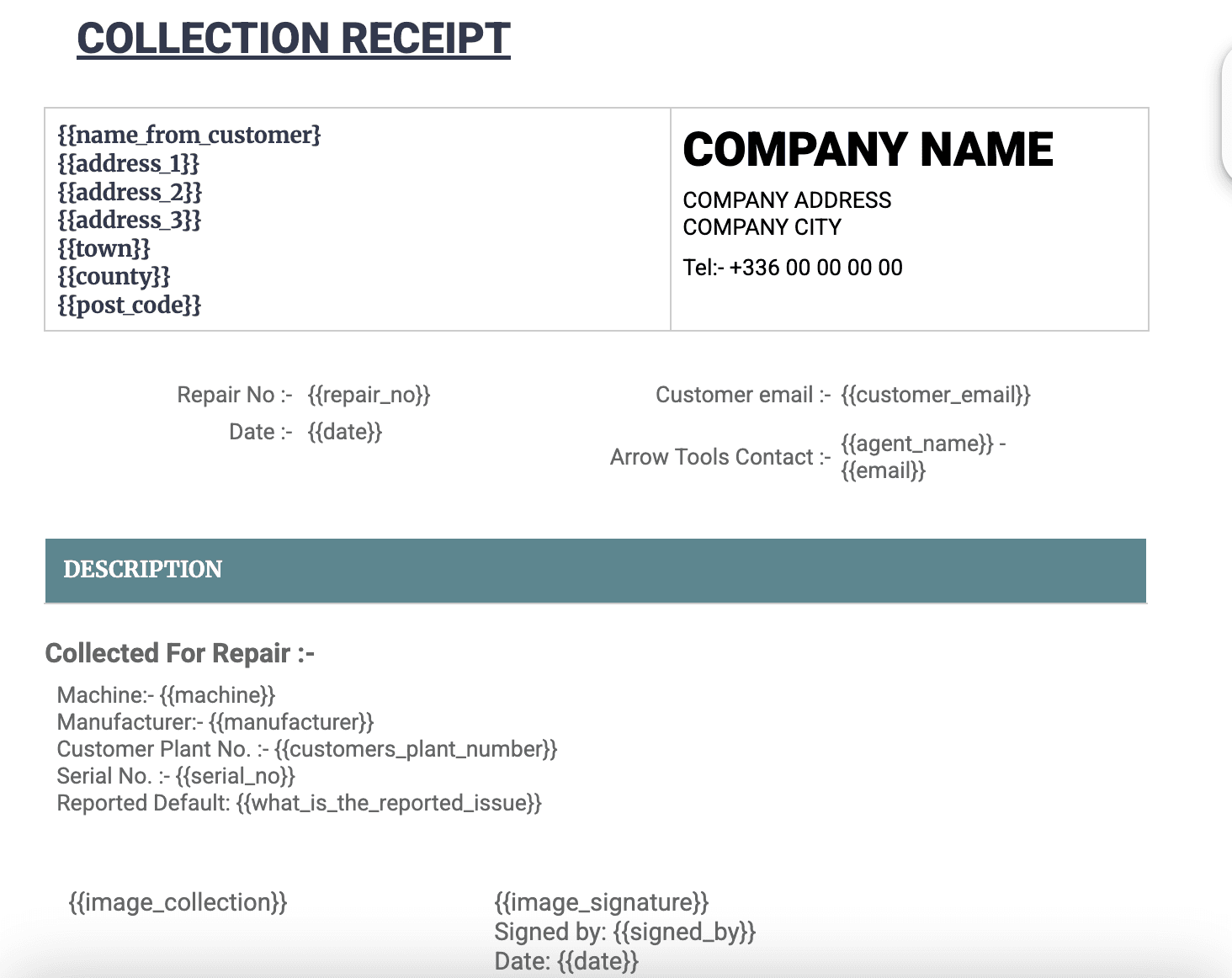
A receipt for equipment collected for repair: the customer, the machine and serial number, the reported issue, a photo and the signature of the person handing it over. Filled from Airtable.
20 free documents · No credit card
The variables in this template
One table for collections. Map each variable to one of your fields in TypeFlow, or rename it in the Doc to your field name.
Collection record
| Holds | Variable in the template |
|---|---|
| Customer | name_from_customer, customer_email |
| Address | address_1, address_2, address_3, town, county, post_code |
| Repair number and date | repair_no, date |
| Machine | machine, manufacturer, serial_no, customers_plant_number |
| Reported issue | what_is_the_reported_issue |
| Agent | agent_name, email |
| Signed by and signature | signed_by, image_signature |
| Photo of the machine | image_collection |
How it works
- 1
Copy the template
It opens in your Google Drive. Change the layout, fonts and logo like any document.
- 2
Map your Airtable fields
Pick your base and table in TypeFlow, then match each {{variable}} to a field.
- 3
Generate from Airtable
Click a button on the record or let an Airtable automation run it. The PDF lands in an attachment field.
Questions
- Do I need a Google account?
- Yes. The template is a Google Doc: you copy it to your Drive and edit it there. TypeFlow also has its own template builder if you prefer not to use Google.
- Can the receipt show a photo and a signature?
- Yes. Both come from Airtable attachment fields and are placed as images in the PDF.
Generate your first collection receipt from Airtable
20 free documents · No credit card