How to Set the Document Name for PDF Form Flows
The document name controls the filename of every PDF generated by your flow. You can set it to static text, Airtable variables, or a mix of both.
Default Behavior
By default, every generated PDF is named after your flow name. If your flow is called "Offer Letter", every PDF will be saved as Offer Letter.pdf.
This works fine when you generate one document at a time, but it is not ideal when you need to tell files apart - especially in an attachment field with multiple documents.
Setting a Custom Document Name
- Open your PDF Form flow in the editor
- Click Settings in the top header
- Go to the Document Name tab
- Enter your desired filename template
- Close Settings - changes are saved automatically
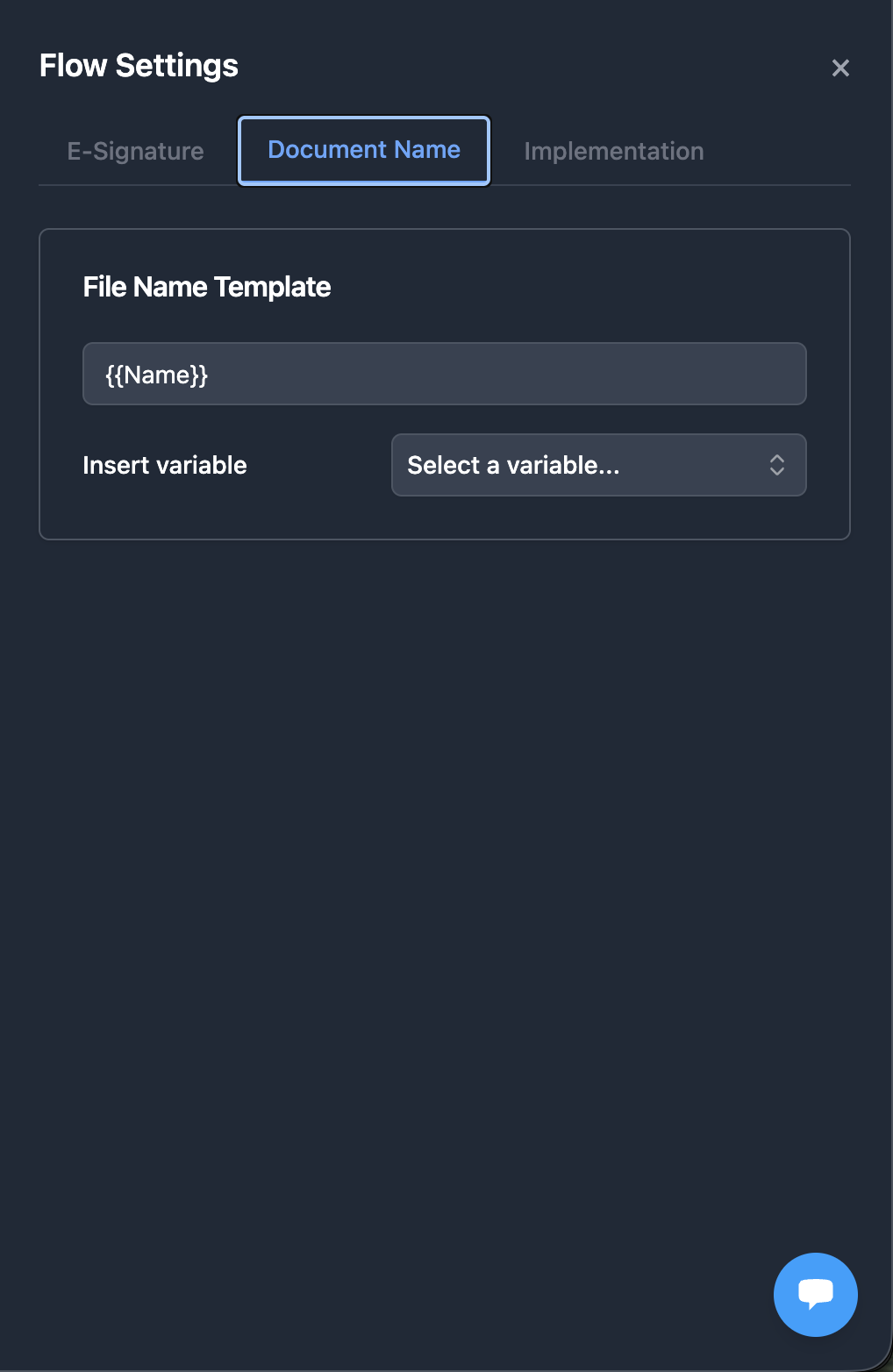
Using Variables
You can insert Airtable field values into the document name using double curly braces.
Examples
| Template | Record Value | Output Filename |
|---|---|---|
{{Company Name}} - Offer | Acme Corp | Acme Corp - Offer.pdf |
Invoice {{Invoice Number}} | INV-2026-042 | Invoice INV-2026-042.pdf |
{{First Name}} {{Last Name}} - Contract | Jane Doe | Jane Doe - Contract.pdf |
How it works
- Variables are replaced with the actual field value from the Airtable record at generation time
- You can combine multiple variables with static text
- No special syntax beyond the double curly braces is needed
Related
-
Best Airtable PDF Form Filling Tools - Comparison of tools that fill existing PDF forms from Airtable
-
PDF Form Filling: Map Airtable Fields to PDF Form Fields - Learn how to set up PDF form flows
-
Variables and Field Mapping - Understand how variables work across all flow types