How to Deliver the Certificate of Completion as a Separate File
Keep your signed contracts clean by storing the audit trail separately. The signed PDF contains only the contract and signatures. The Certificate of Completion is delivered as a separate PDF in a dedicated Airtable field.
Overview
By default, TypeFlow appends the Certificate of Completion as the last page of the signed PDF. This page includes the full audit trail: signer names, timestamps, IP addresses, browser details, and SHA-256 document hashes.
Some organizations prefer to keep the signed contract "clean" and store the certificate separately. This is especially useful when:
- Your signers are public institutions or legal entities that archive the contract as-is
- You want to share the signed contract without exposing the audit trail
- Your compliance process requires the contract and its proof of signature to be stored in separate fields
On the Pro plan and above, you can choose to deliver the certificate as a separate PDF file, uploaded to a dedicated Airtable attachment field.
How to Set Up
- Open your flow and go to the Actions tab
- In the E-Signature section, scroll down to Certificate of Completion
- Select Deliver as separate file
- Choose the Airtable attachment field where the certificate should be uploaded
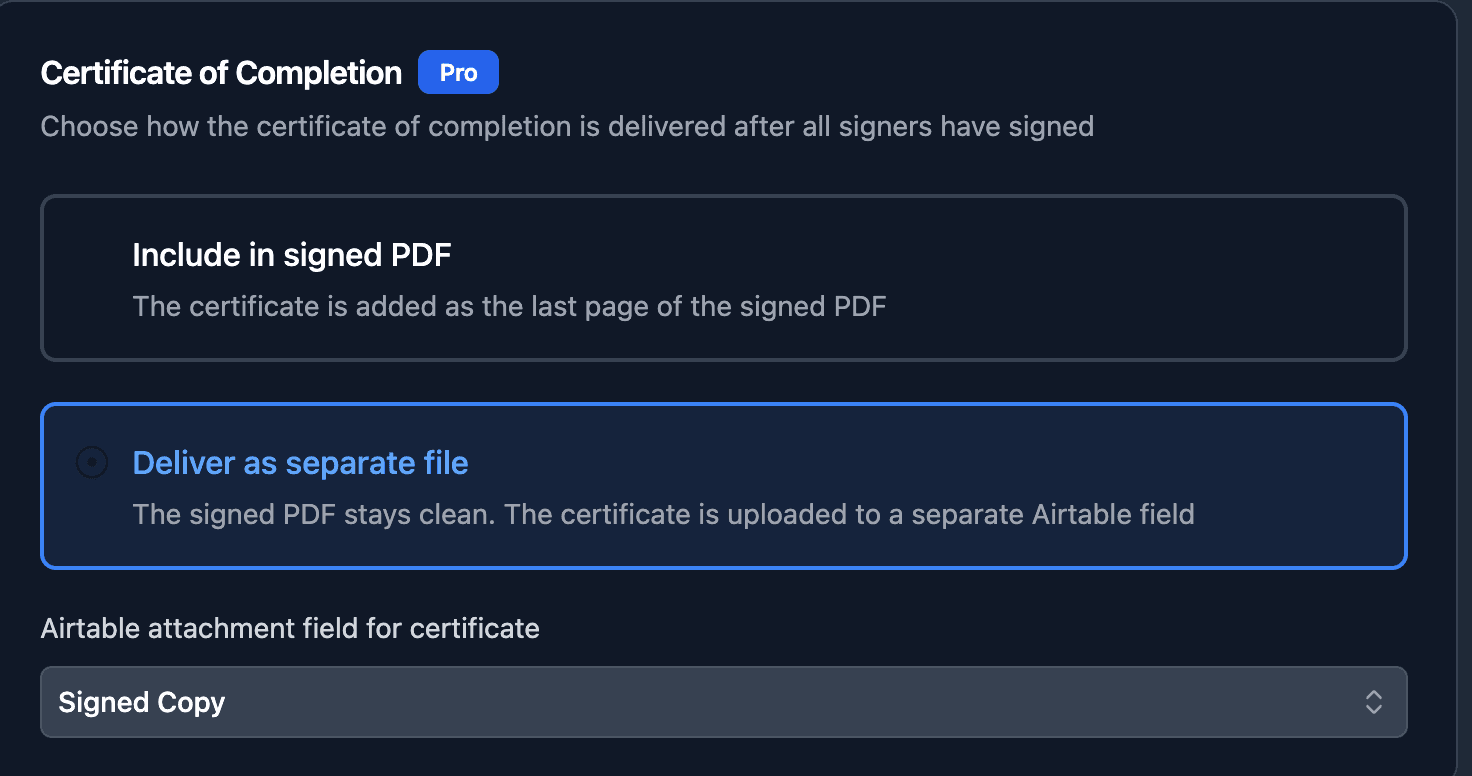
When all signers complete:
- The signed PDF (without certificate) is uploaded to your signed document field
- The certificate PDF is uploaded to the field you selected
- Both files are linked to the same Airtable record
What Each File Contains
| File | Contents |
|---|---|
| Signed contract | Your document with all signatures, dates, and field values embedded. No audit trail page. |
| Certificate | Full audit trail: signer names, emails, timestamps (viewed, consented, signed), IP addresses, locations, browsers, duration, SHA-256 hashes, and legal compliance statement. |
The certificate filename follows the pattern: {Document Name} - Certificate.pdf