Updated July 22, 2026 · By TypeFlow
Optional Checkbox Fields in E-Signature
Make checkbox fields optional so signers can choose whether to check them, without blocking the signing flow.
Overview
By default, all e-signature checkbox fields are required - the signer must check every one before they can complete the signing flow. This follows the DocuSign and PandaDoc standard where fields are required unless configured otherwise.
You can now mark individual checkbox fields as optional, letting signers skip them.
When to Use Optional Checkboxes
Keep checkboxes required when they represent confirmations:
- "I agree to the terms and conditions"
- "I acknowledge I have read this policy"
- "I confirm the information above is accurate"
Make checkboxes optional when they represent choices:
- "Select which records to release" (medical forms)
- "Check the services you are requesting"
- "Select applicable options"
How to Set Up
- Open your flow and go to E-Signature settings
- Click Configure Fields for the signer
- Find the checkbox field you want to make optional
- Uncheck "Required field"
- Click Done
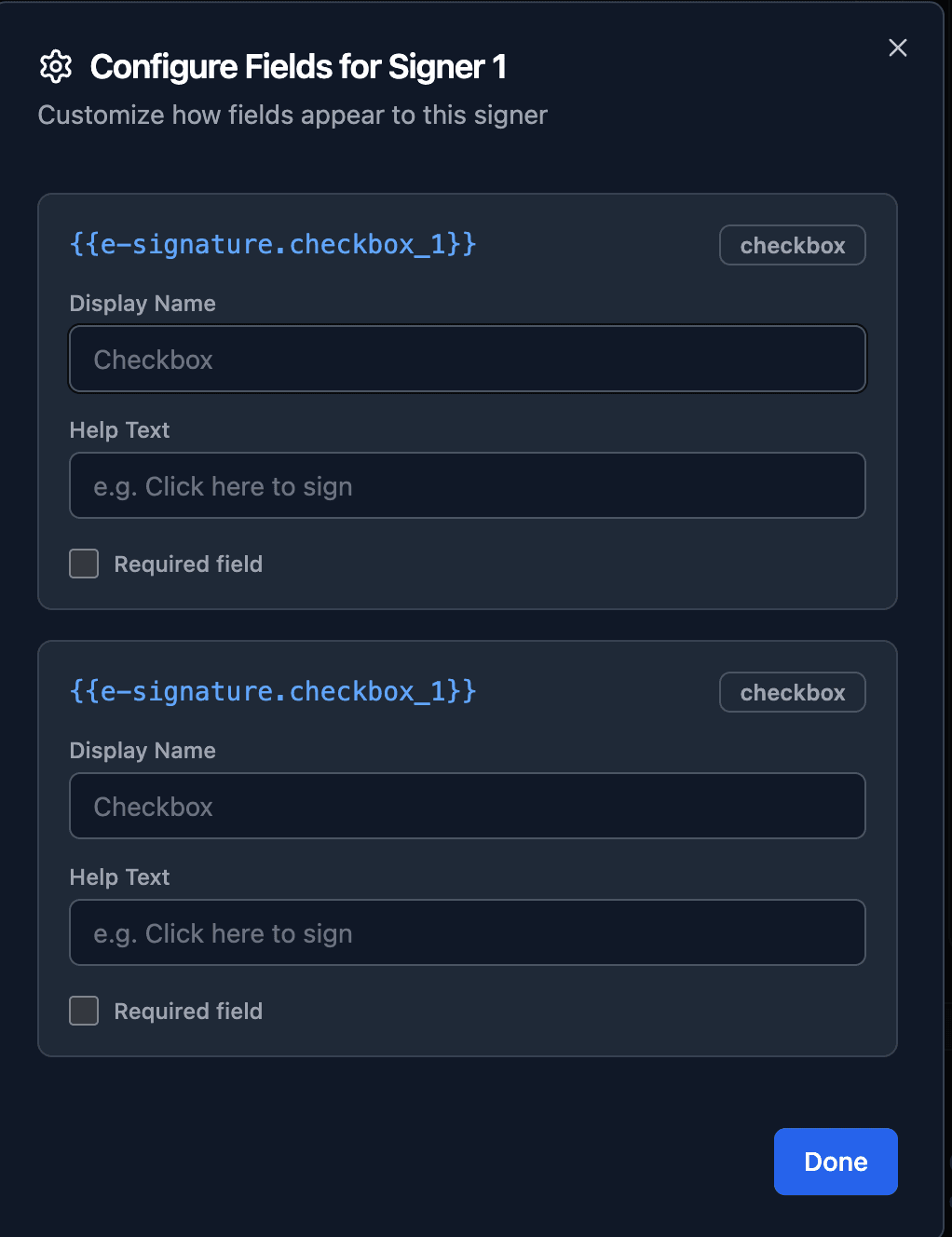
The setting applies to all instances of the same checkbox type. For example, if you have 5 fields mapped to checkbox_1 and you uncheck "Required field", all 5 become optional.
Tip: If you need some checkboxes required and others optional for the same signer, use different checkbox types. Map required confirmations to checkbox_1 (required) and optional selections to checkbox_2 (optional).
Signer Experience
Required checkbox (default):
- Signer clicks the checkbox field
- Must check the box to click "Confirm"
- Cannot complete signing without checking all required fields
Optional checkbox:
- Signer clicks the checkbox field
- Can check the box and click "Confirm", or click "Skip" to proceed without checking
- Signing flow can be completed with unchecked optional fields
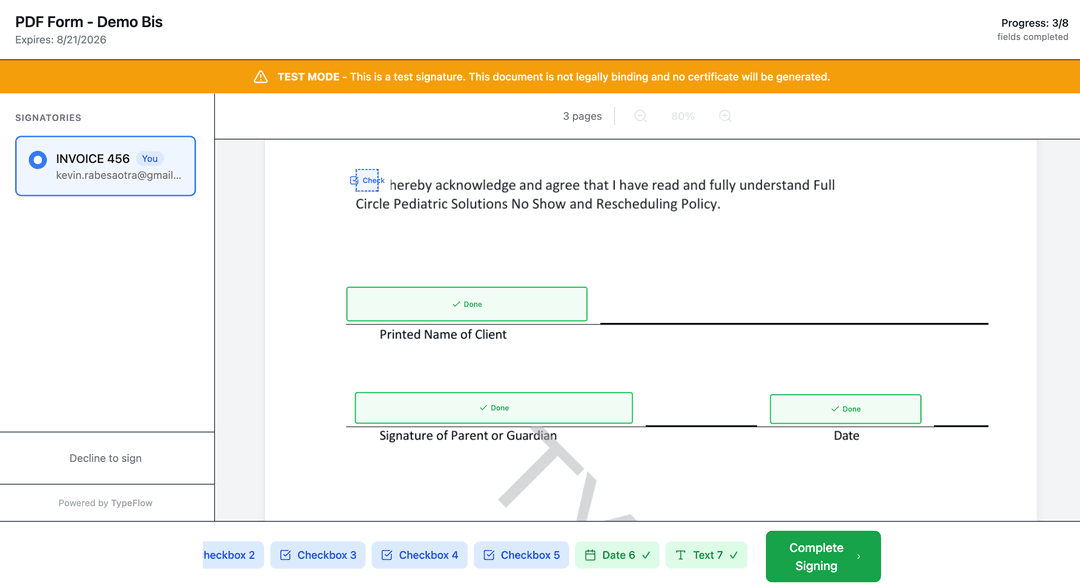
On mobile, the same behavior applies - the "Continue" button changes to "Skip" for optional checkboxes.