PDF from Zapier Alternative: Why TypeFlow Wins for Airtable
Zapier is versatile, but generating PDFs from Airtable data requires workarounds and technical skills once complexity increases. TypeFlow is a purpose-built alternative that lets anyone export Airtable data to PDFs - no coding or extra software needed. Here's how they compare.
For this comparison, I will create a PDF invoice based on Airtable data. For both tests, I avoid as much software as possible. With Zapier, we use Airtable and Zapier. With TypeFlow, we use TypeFlow and Airtable (Learn how to generate PDF based on Airtable data). I also simulate the fact that I'm a non-technical person. Then, I will compare the costs of each setup to give a rough idea of what to expect.
What's the Difference Between TypeFlow and Zapier for Generating PDFs from Airtable Data?
The main difference is specialization: Zapier is a general automation tool that can generate documents but requires workarounds for complex PDFs, while TypeFlow is purpose-built for Airtable-to-PDF generation with native support for line items, linked records, and date formatting.
Zapier's strengths lie elsewhere:
- Multi-step automation: Excels at sending data across many apps in complex flows
- Overkill for PDFs: Users may not get full value if they only need document generation
- Added complexity: Tools like PDF.co can help but add cost and setup difficulty
TypeFlow specializes in generating PDFs from Airtable data without workarounds. Key capabilities include:
- Native support for images
- Access to linked records and line items
- Built-in date formatting
Now let's see how each tool handles the setup process in practice.
Zapier: How to Set Up the Flow to Generate a PDF via Airtable Data
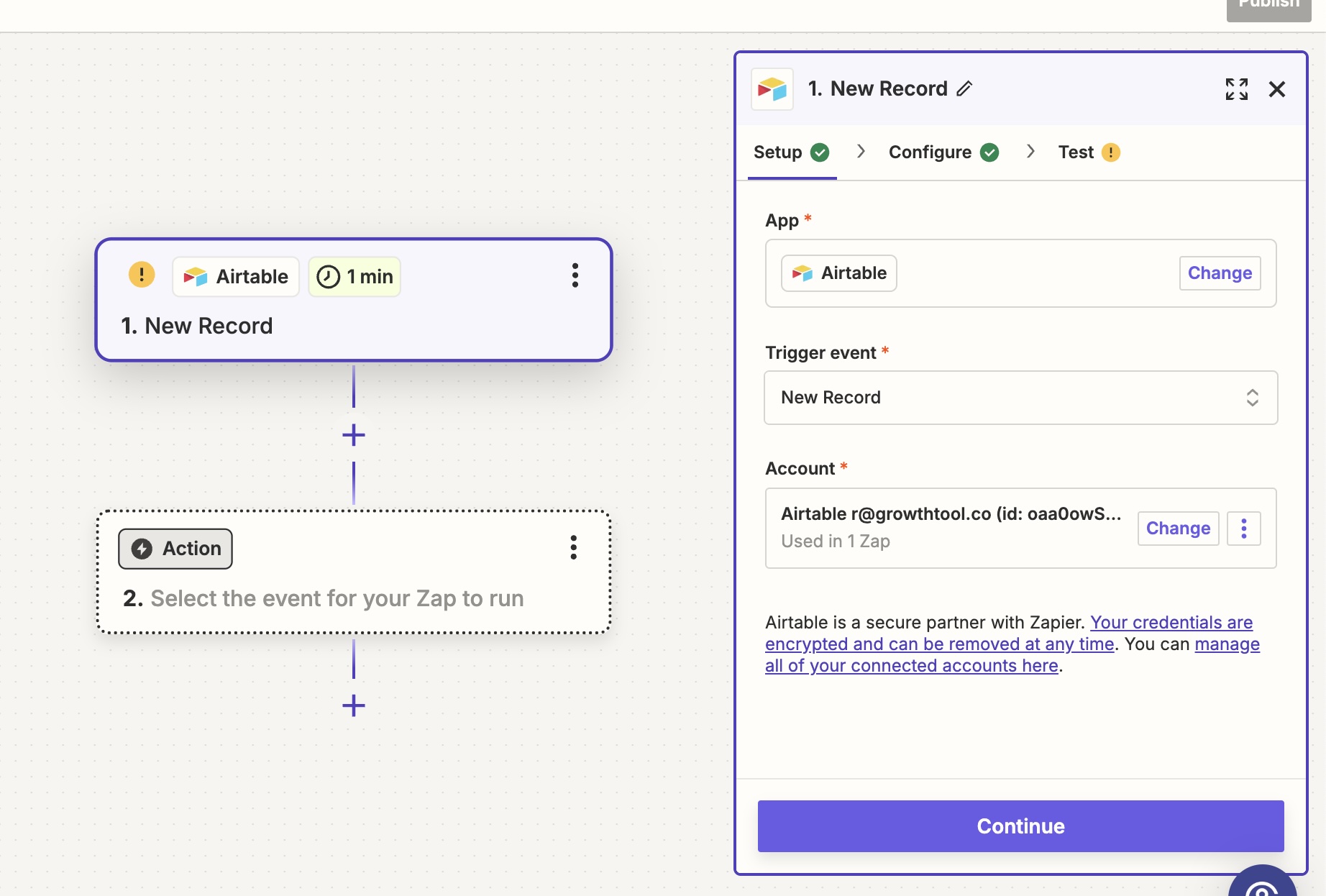
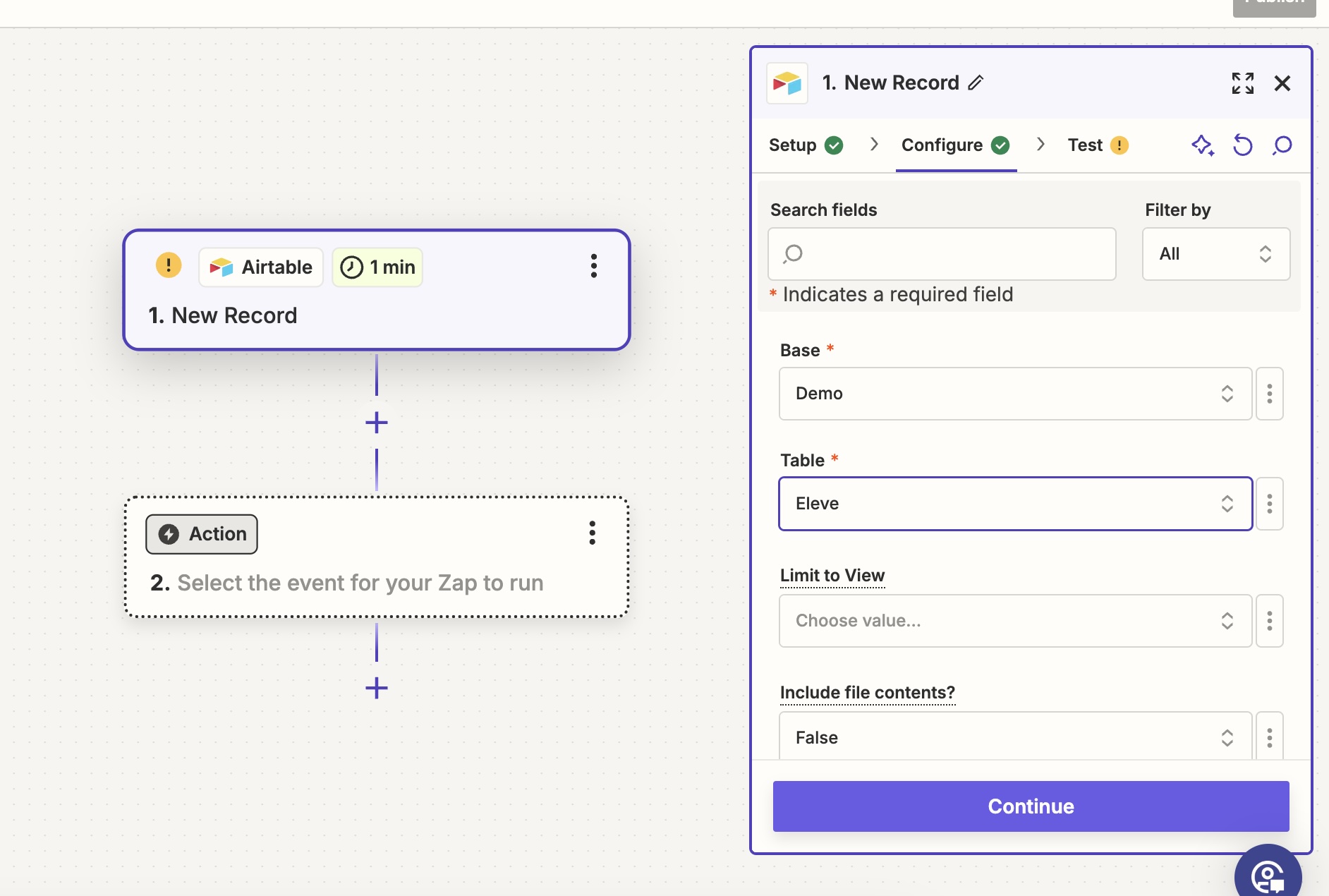
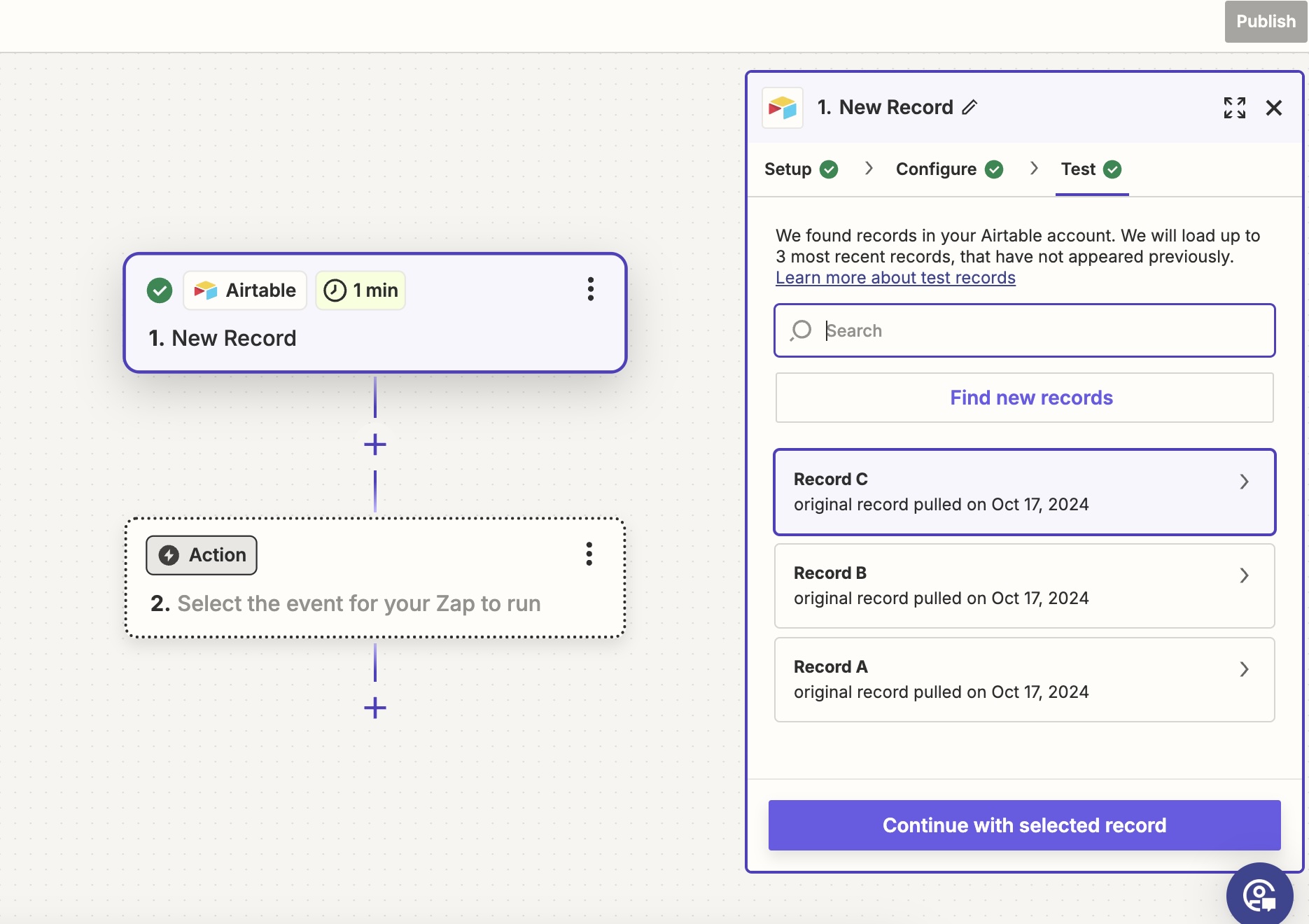
With Zapier, users first select how their flow starts - in this example, when a new Airtable record is created. After choosing the base and table, Zapier retrieves the latest record added.
Then users need to select Google Docs. It's crucial to choose Create Document From Template. The template needs to have variables. If they exist, Zapier retrieves the variables.

Next comes mapping - connecting each Google Doc variable to Airtable data. Here's the blocker: Zapier doesn't recognize line items, so accessing linked records (essential for invoices with multiple products) isn't possible without scripting or complex logic.

Anyway, we keep moving. Google Docs generated the new document with the replaced variable from Airtable. But now, transforming the newly created Google Doc into a PDF is essential. If users are technical, this is possible, for example, by using the API. If they aren't technical, it's critical to find a workaround. I opted for the workaround.
I wanted to attach the PDF directly to an Airtable record, but Google Docs only returns a URL - not an actual PDF file. My workaround: create a URL field in Airtable and paste the export link there.
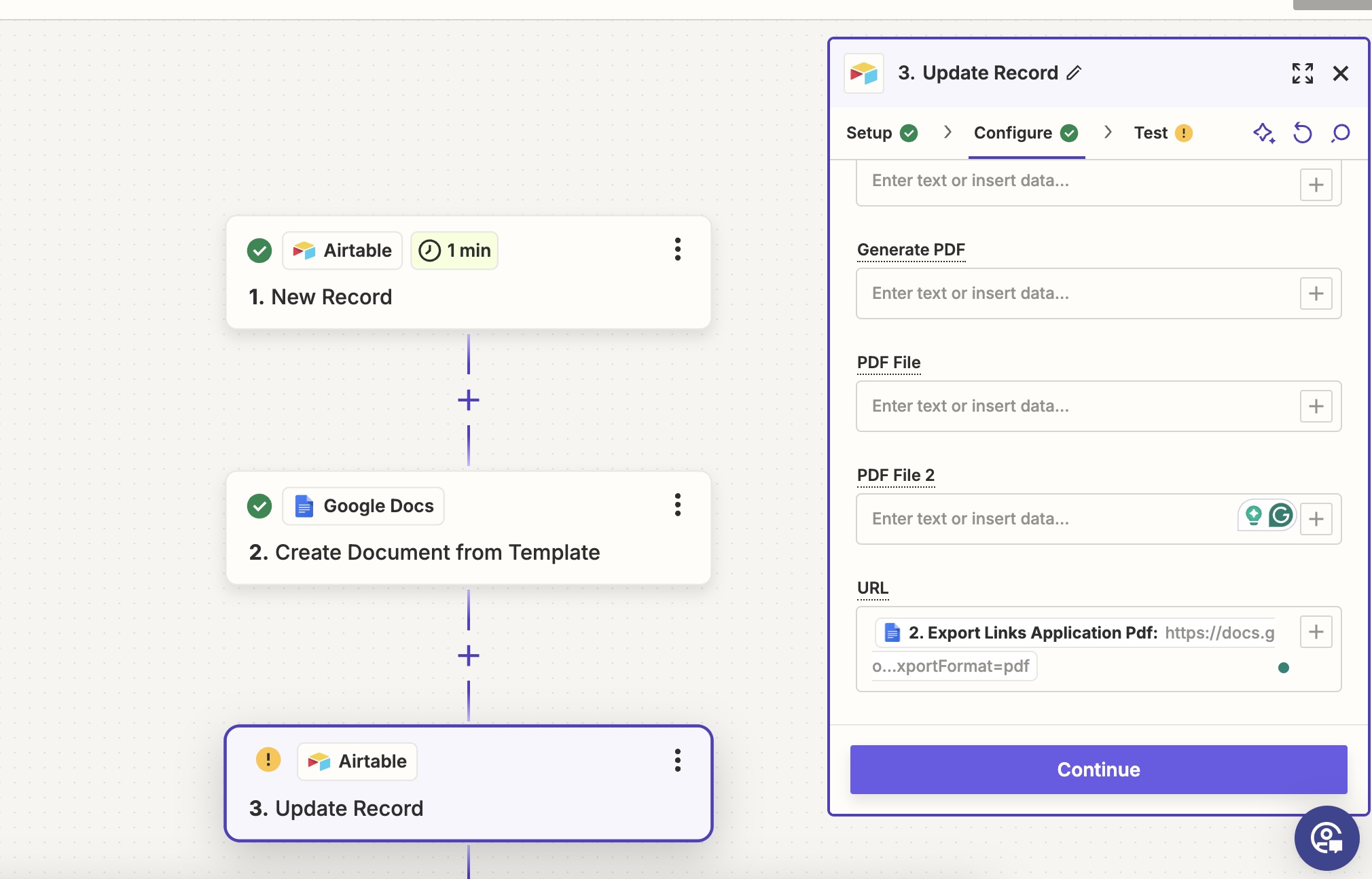

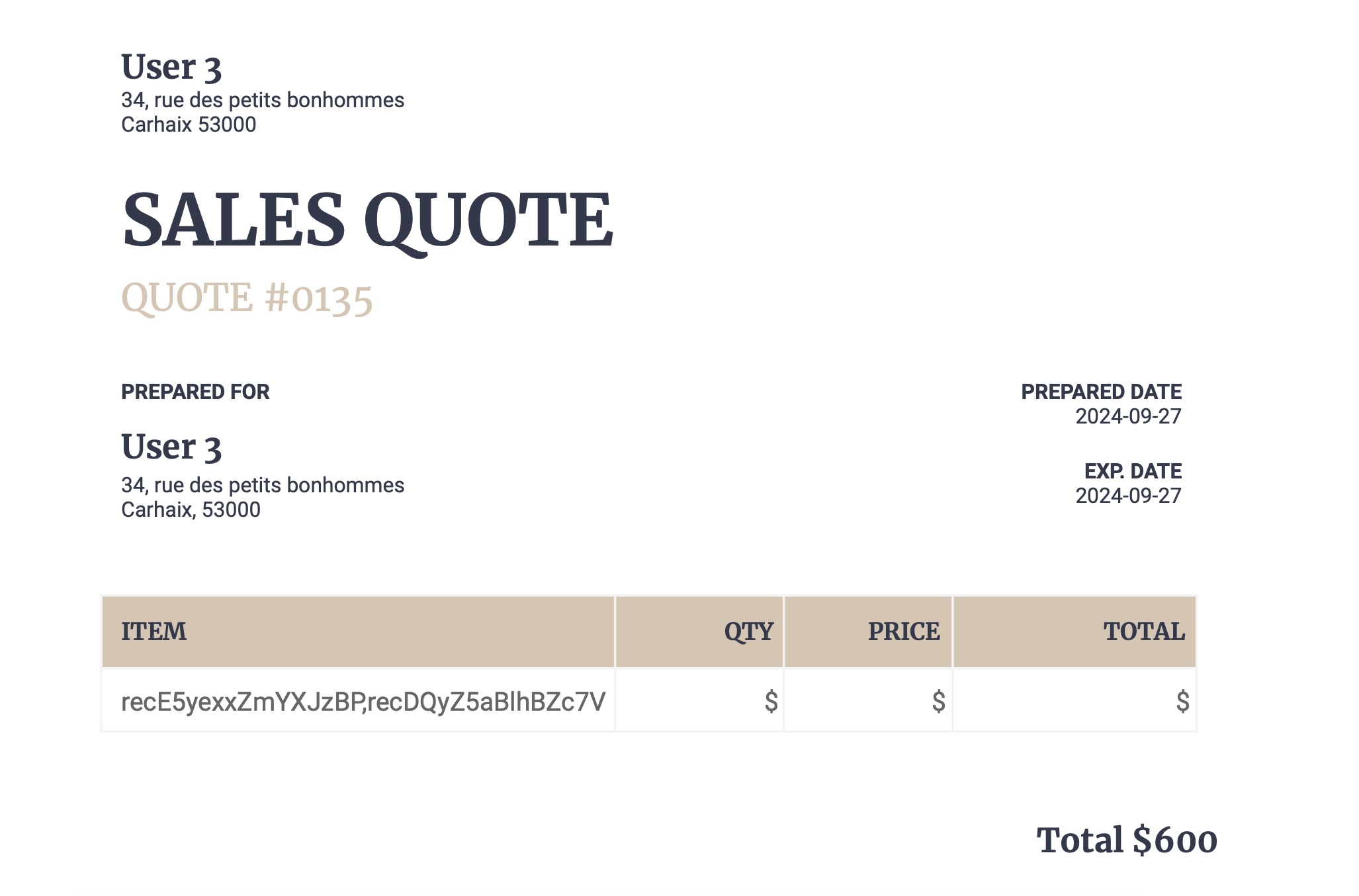
Users must click the URL to download the PDF - it works for basic cases. Adding complexity requires technical resources or additional integrations.
TypeFlow: How to Set Up the Flow to Generate a PDF via Airtable Data?
First, connect your Airtable account to TypeFlow - a one-time, frictionless setup. Then you're ready to build your flow.
To do so, users need to select a Google Doc template. Airtable data will replace variables in the template. Users can use one of our templates or build their own in Google Docs.
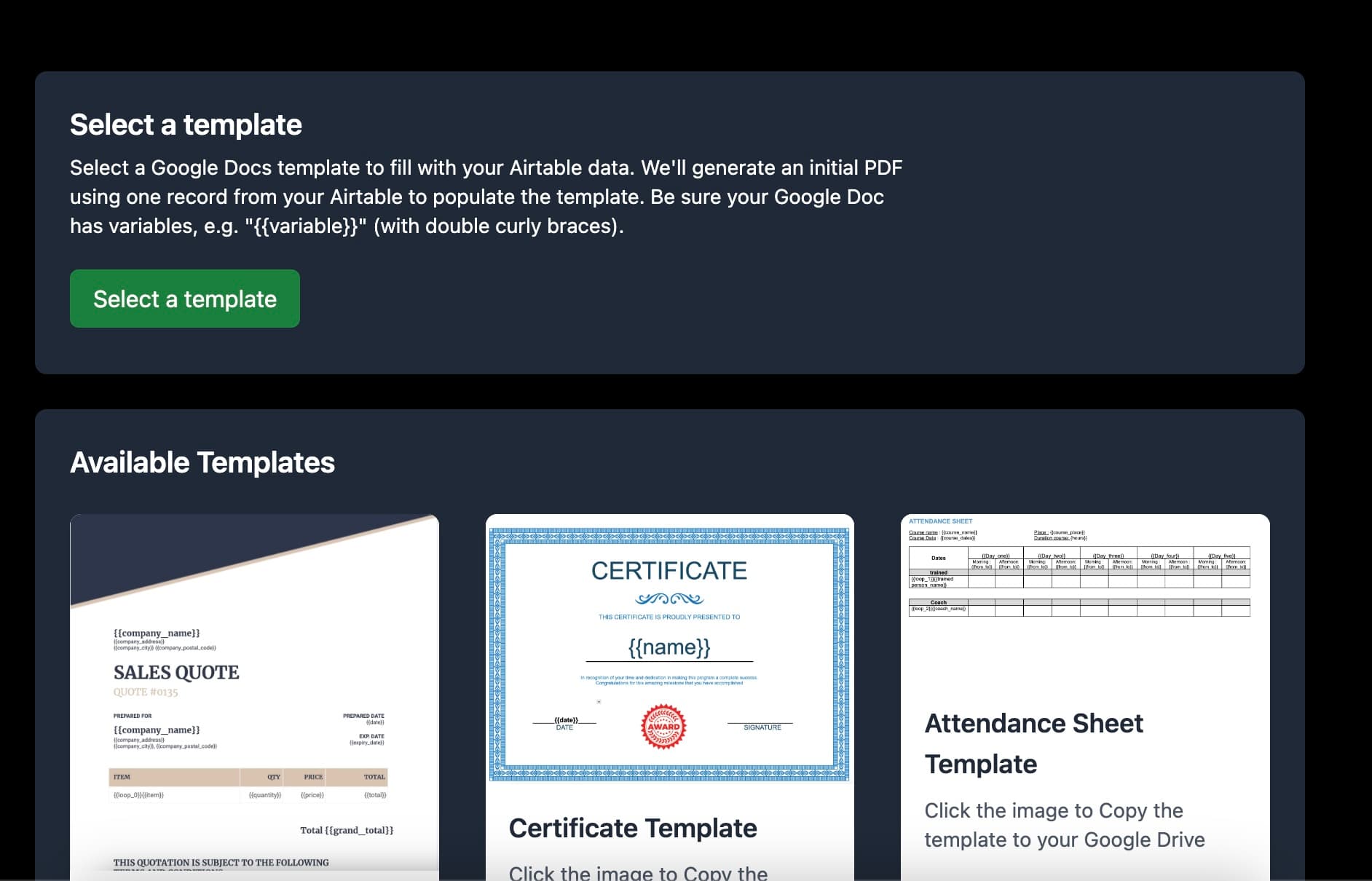
Once selected, users will choose the base, table, and attachment fields from Airtable. An attachment field is crucial. If not, TypeFlow won't be able to attach the PDF to the record.
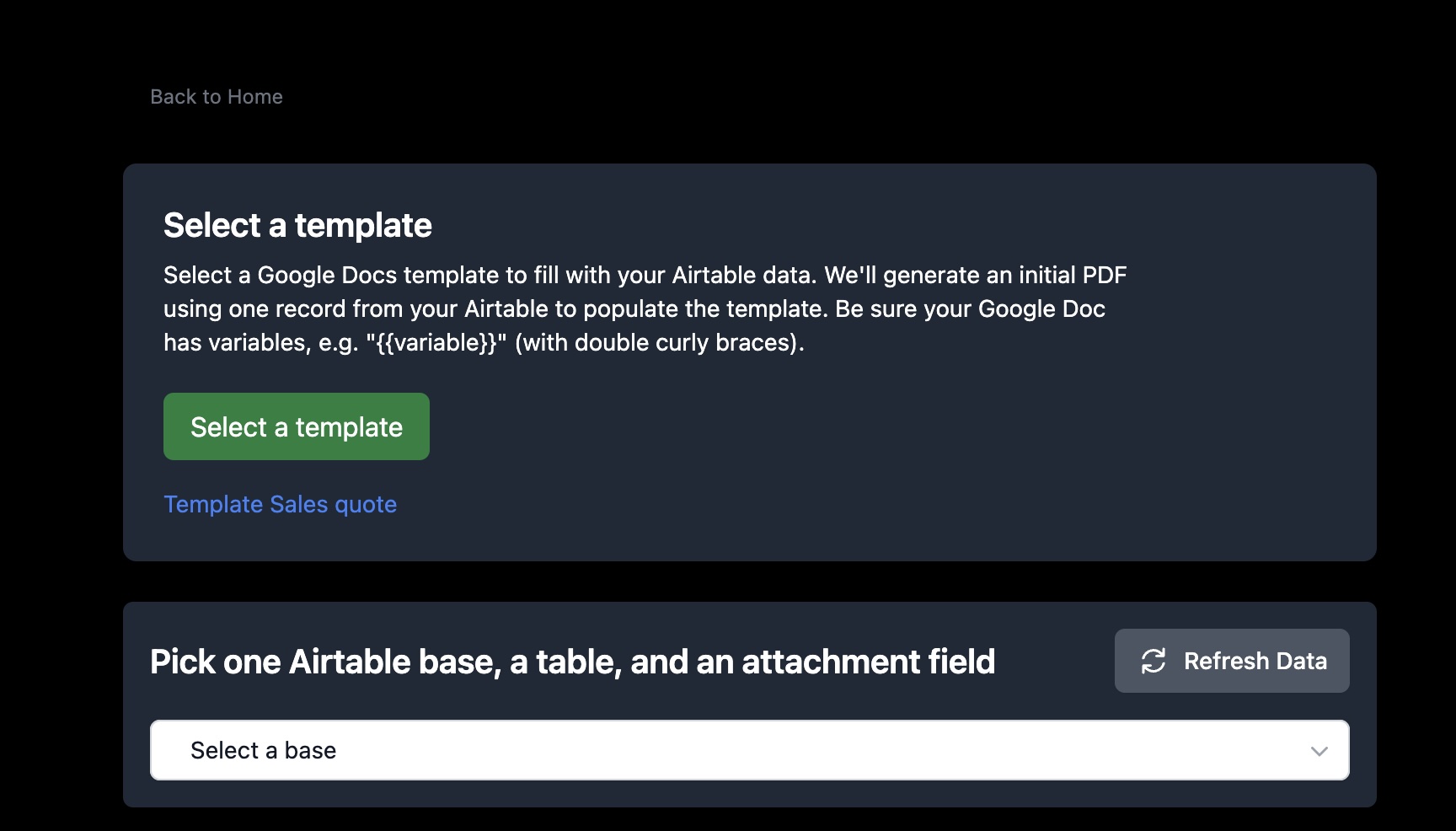
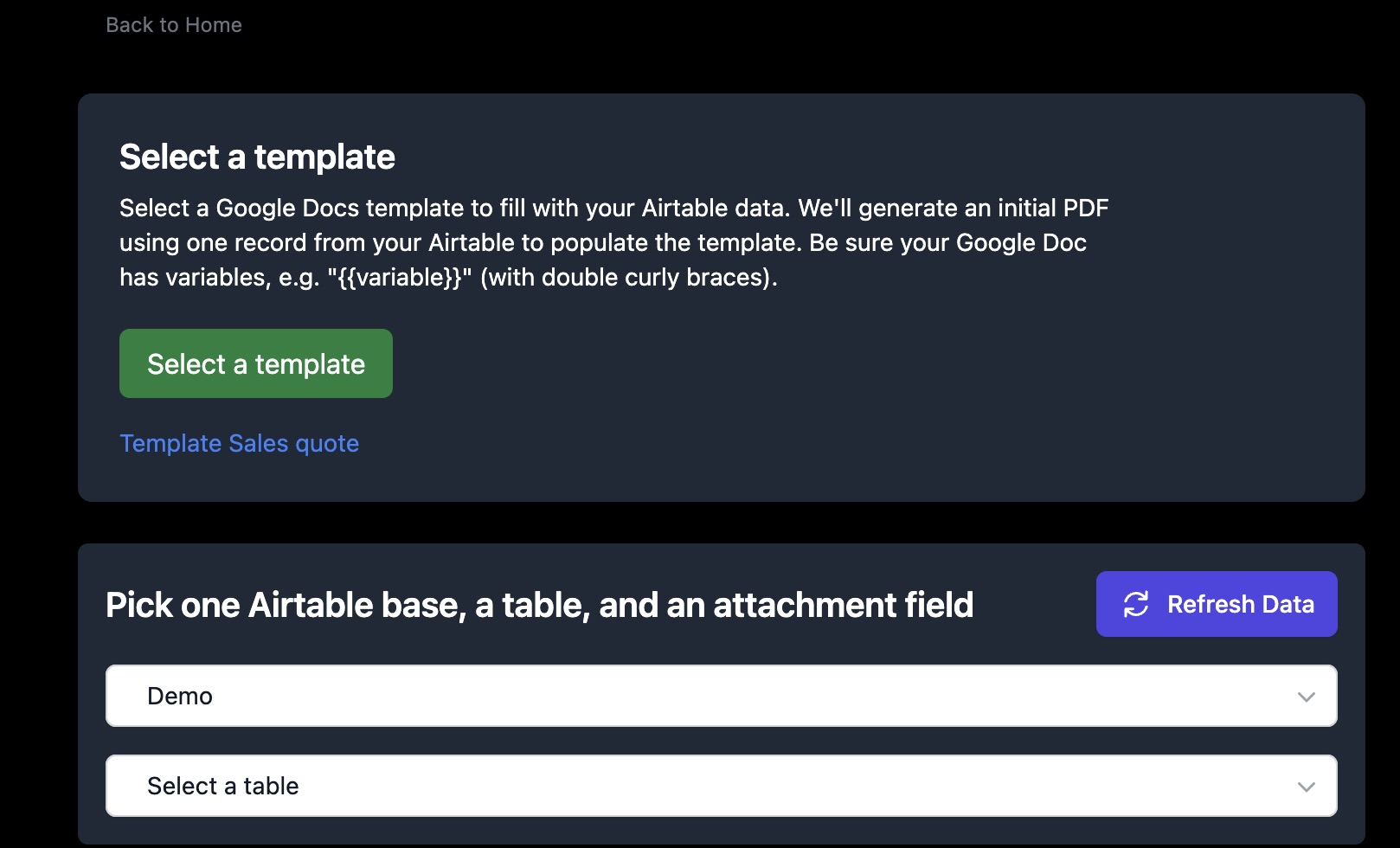
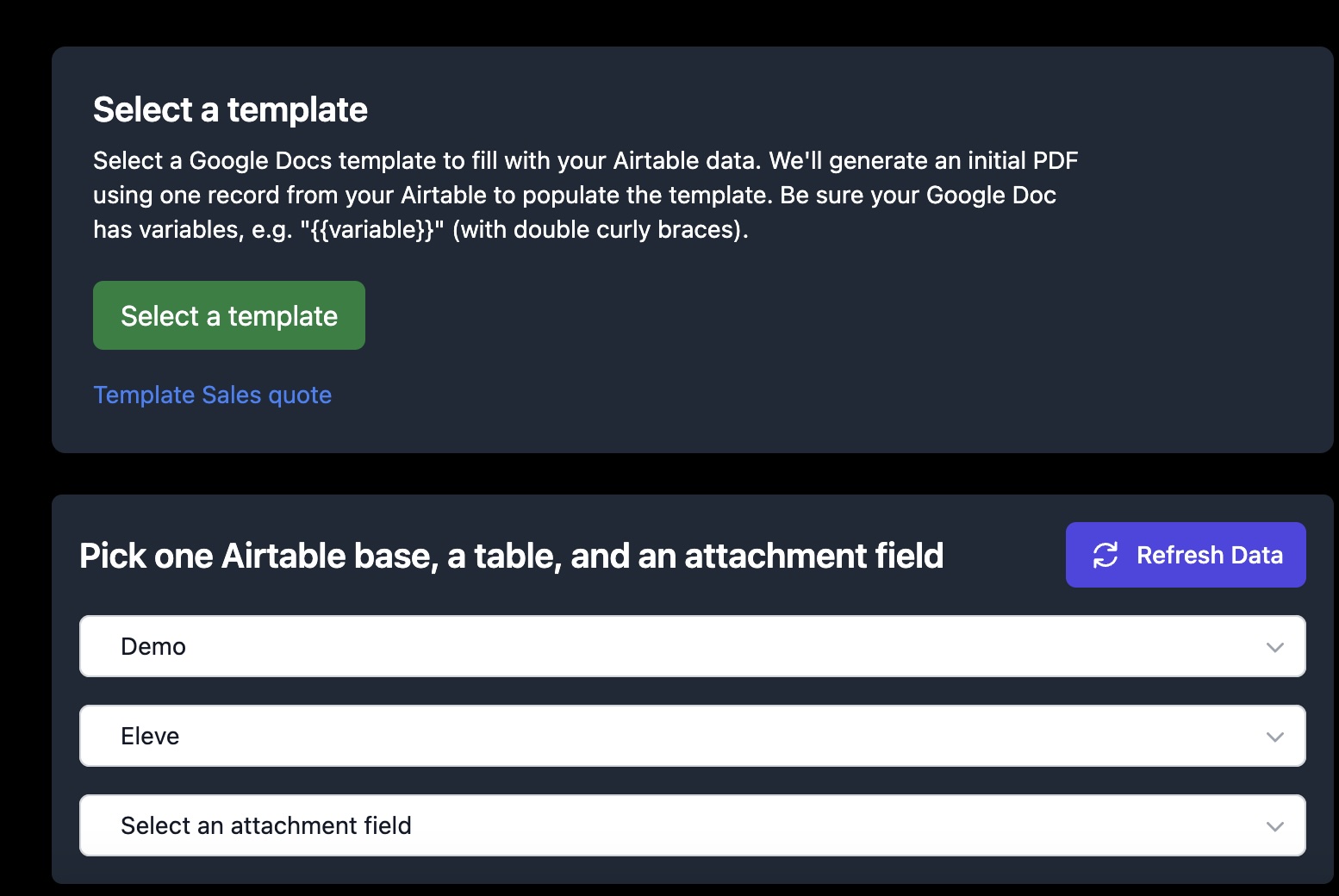
After that, you can choose a date format.
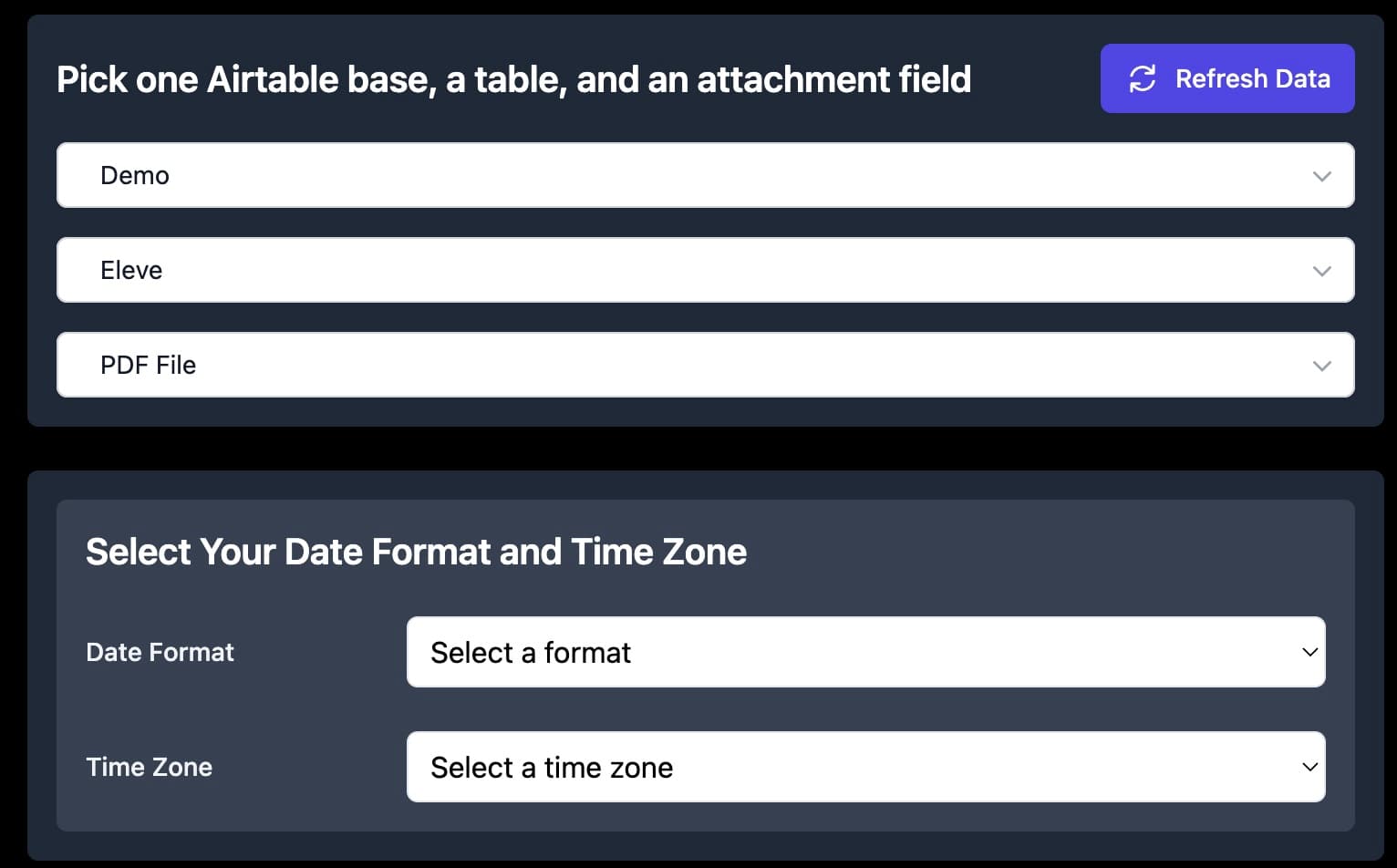
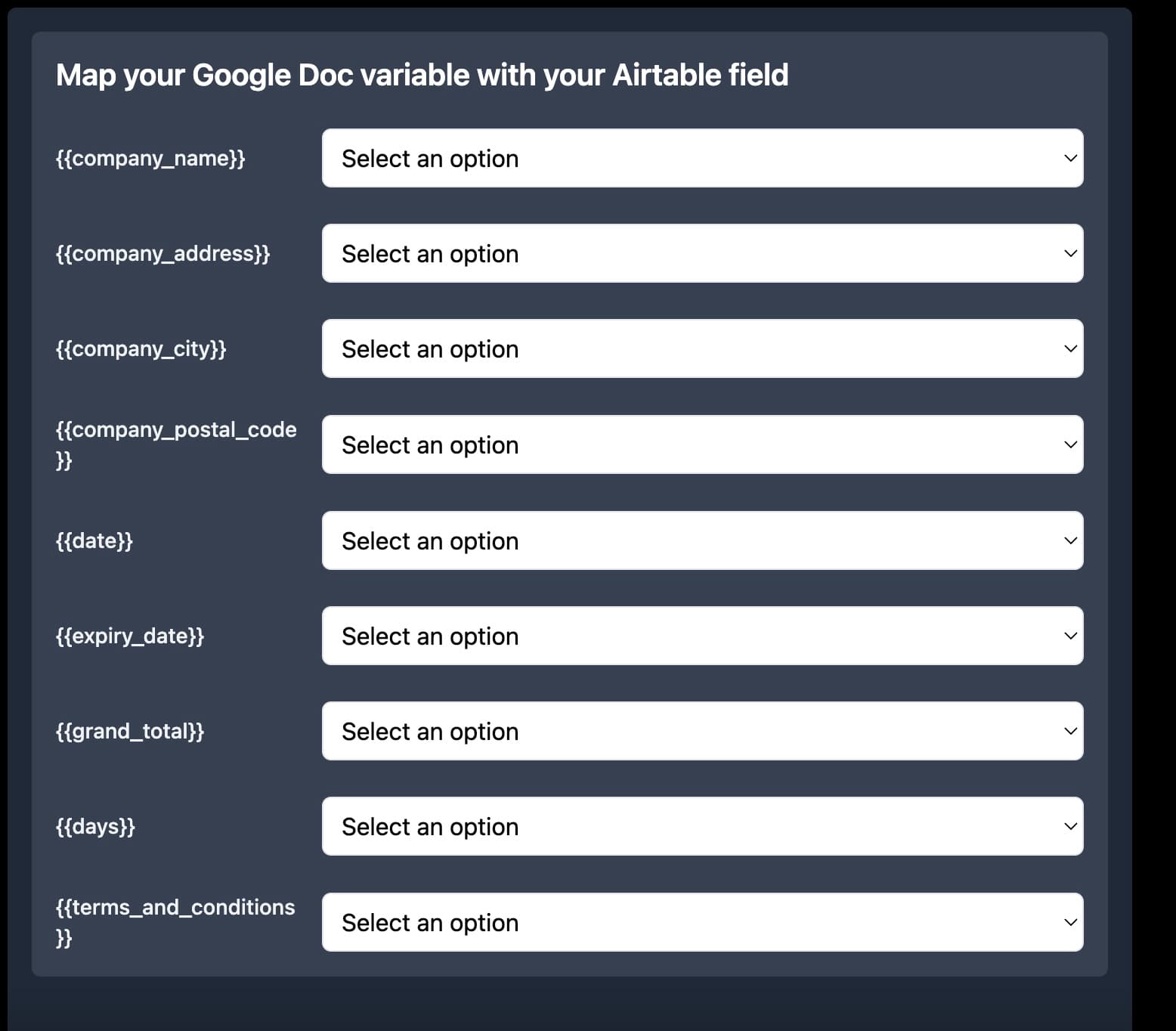
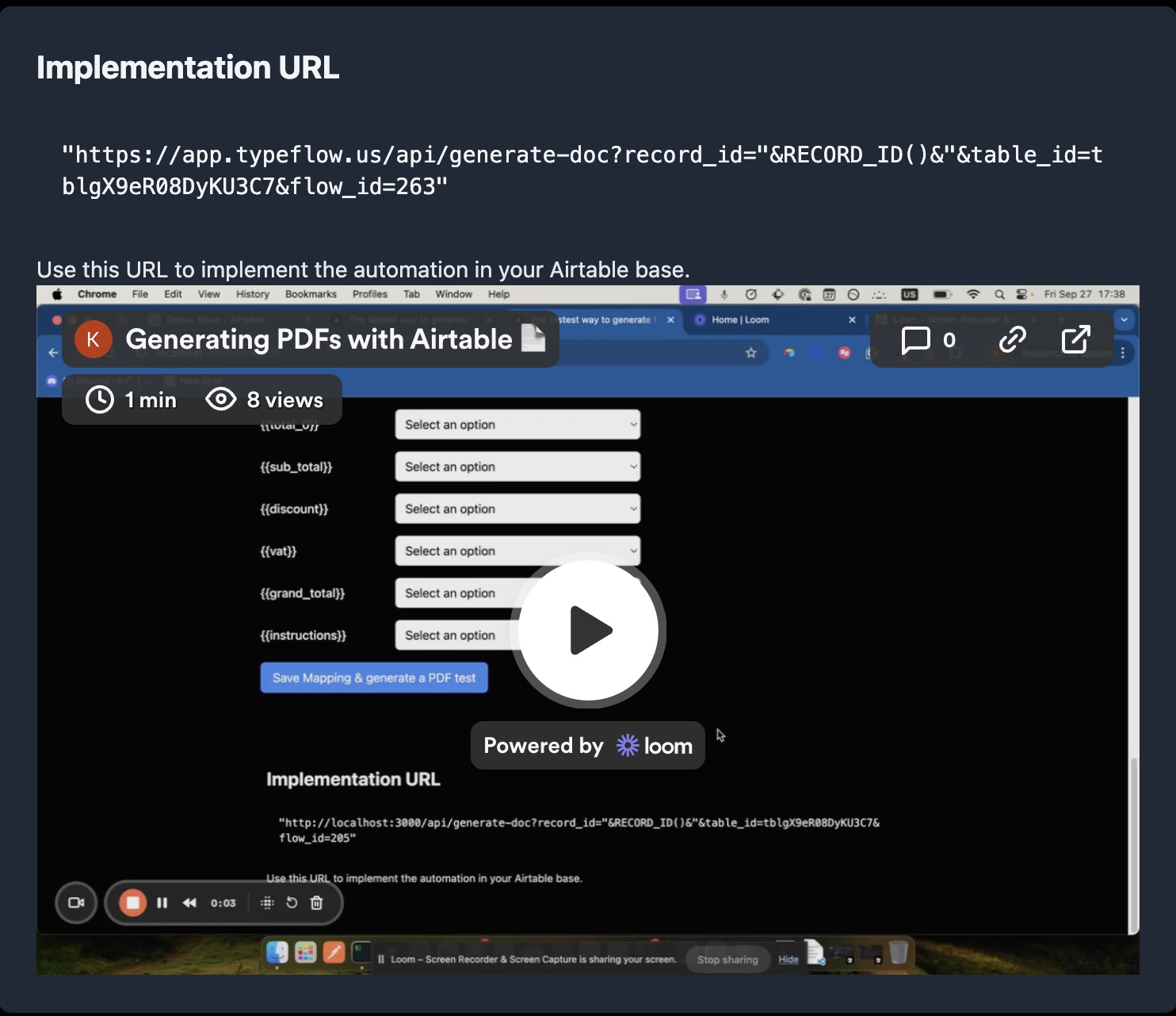
And finally, the mapping between Google Docs variables and Airtable fields. It's straightforward.
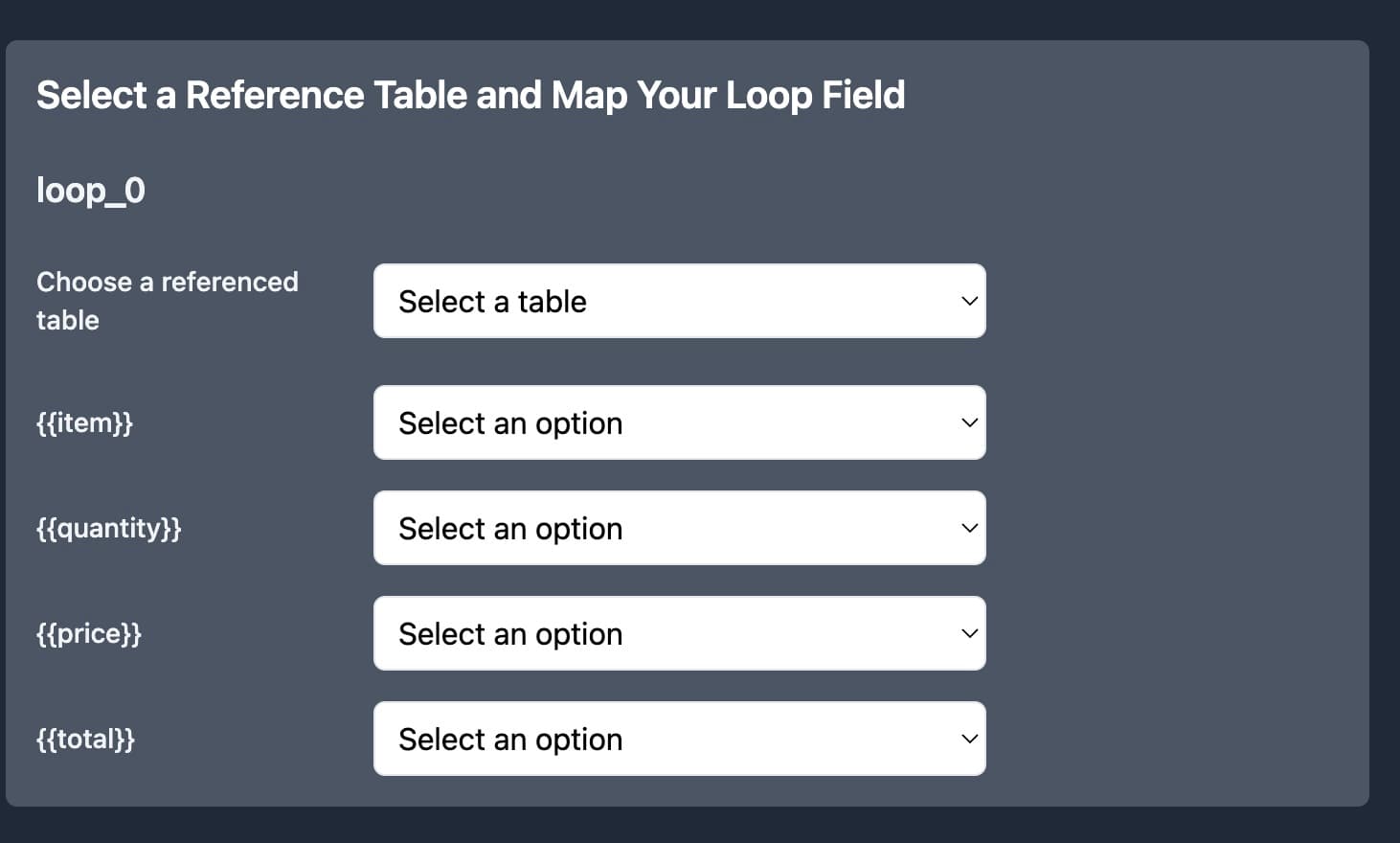
If TypeFlow detects line items, users can access records linked to another table. For example, if a customer ordered two products, line items let you pull those product details directly into the invoice - no workarounds needed.
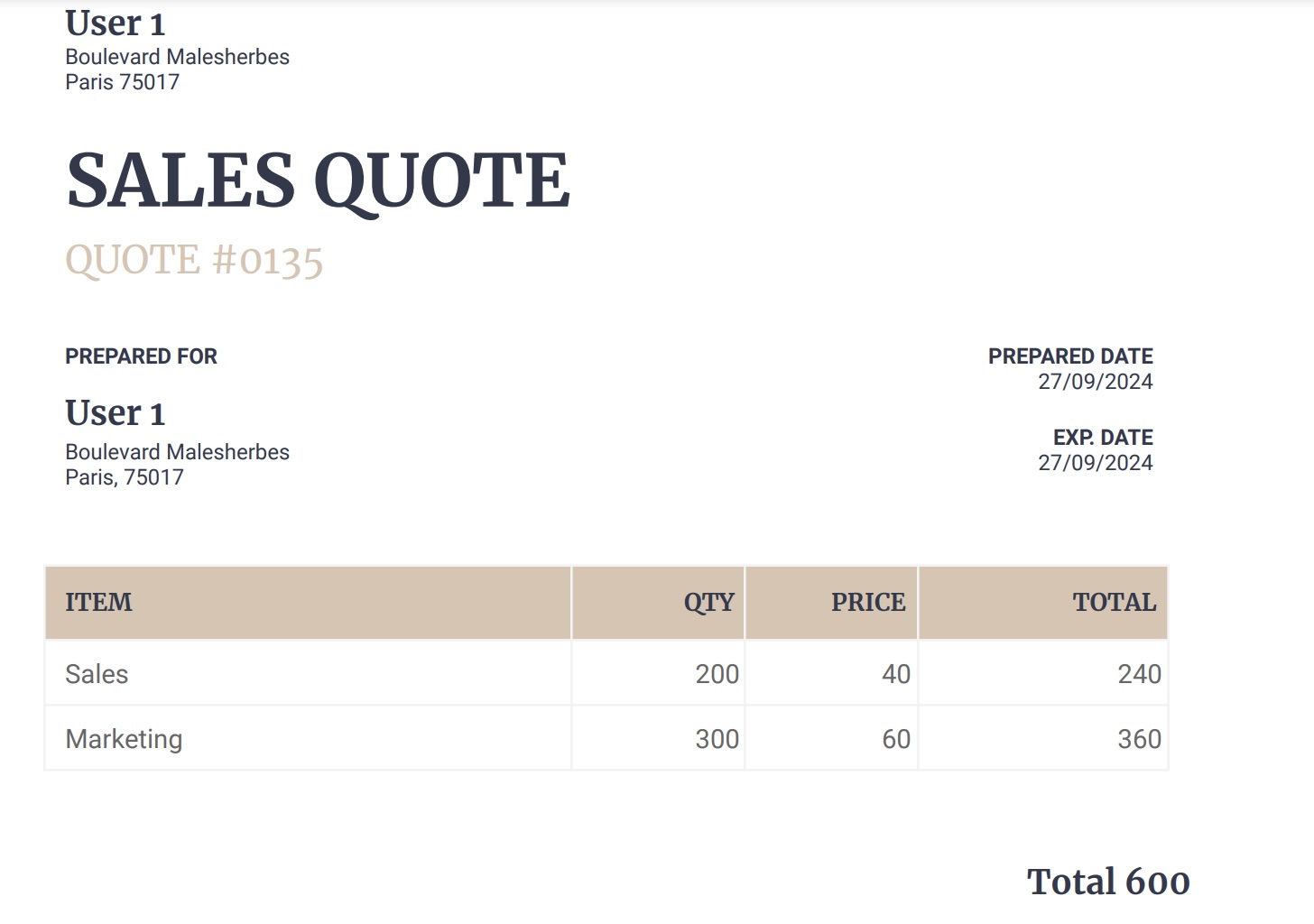
Once the mapping is over, you can test the flow. If it works, TypeFlow will attach the PDF to the selected field. If not, there will be an error.
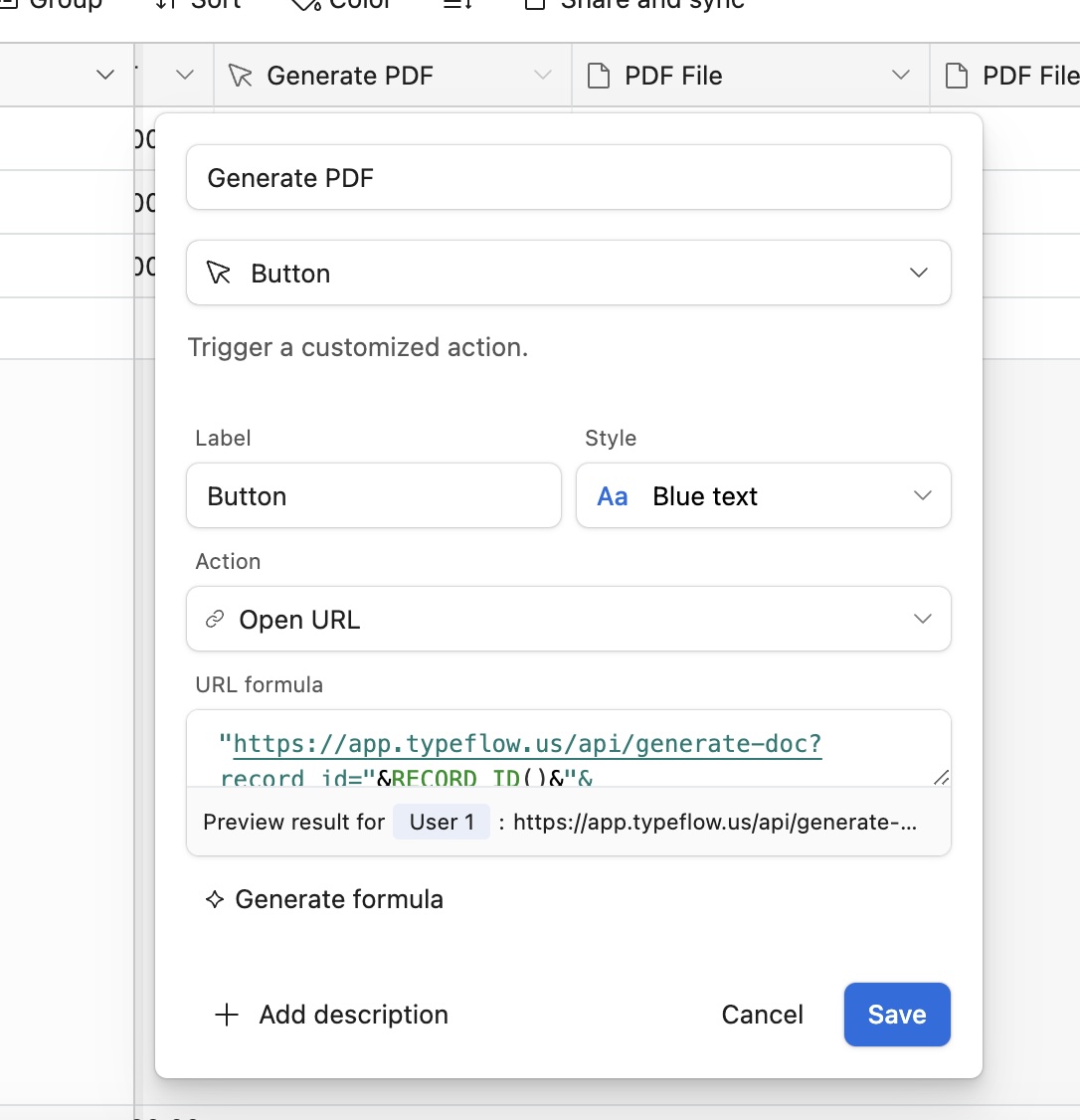
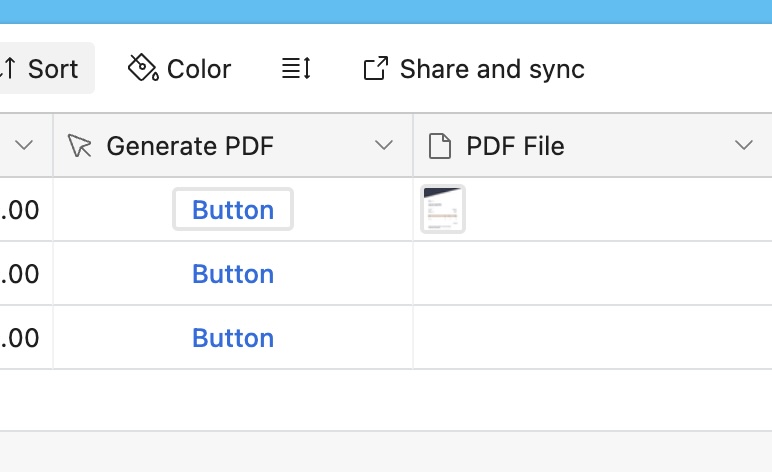
Finally, to finish the process, users must copy the URL. Use it as a formula or button in a new Airtable field. Whenever users need to run a PDF for a specific record, they will click on the formula or button. And voilà!
Pricing: Zapier vs TypeFlow
| Tool | Free Tier | Paid Plans | Notes |
|---|---|---|---|
| Zapier | 100 tasks (2-step flows only) | $29.99/mo (750 tasks) - $103.50/mo (2,000 tasks) | Multi-step flows require paid plan |
| TypeFlow | 20 documents/month | $20/mo (500 PDFs) or $150 lifetime (unlimited) | Lifetime deal available for early users |
Airtable's free tier allows 1,000 records. Paid plans start at $24 per seat/month. Combined with TypeFlow's lifetime deal, you have significant room to scale affordably.
Automate your document generation
Start with 20 free documents. Built for businesses using Airtable.

Kevin from TypeFlow
•AuthorKevin Rabesaotra is a growth engineer and automation specialist with 8+ years of experience building no-code solutions. As Founder & CEO of TypeFlow, he has helped hundreds of businesses automate document generation and streamline workflows with Airtable integrations. Previously, Kevin was a Product Lead specializing in growth engineering, running experiments to drive revenue, retention, and lead generation.